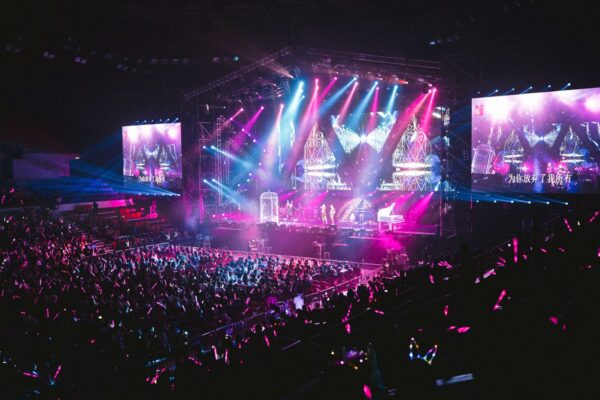
An event film has the most unforgiving screen in the whole production calendar. It plays once, in a dark room, on a wall the size of a building, in front of people who came for something else. If it works, it sets the tone for the next hour. If it fails, no one can pause it, rewind it, or send a corrected link tomorrow.
Making a film for a tech company? See AI video production for tech companies — investor, launch, demo and training films from $5,000, in 7–10 working days.
This guide is for event, brand and product marketing leads at tech companies who are about to brief a conference opener, keynote film or event sizzle. It covers what a film has to do in a live room, how it differs from a web film, how to structure the first minute, how to plan for the screen and the sound system, the technical delivery details to settle early, the mistakes that make event films feel like filler, how the brief-to-master process works, and answers to the questions buyers ask first.
What an event film has to do
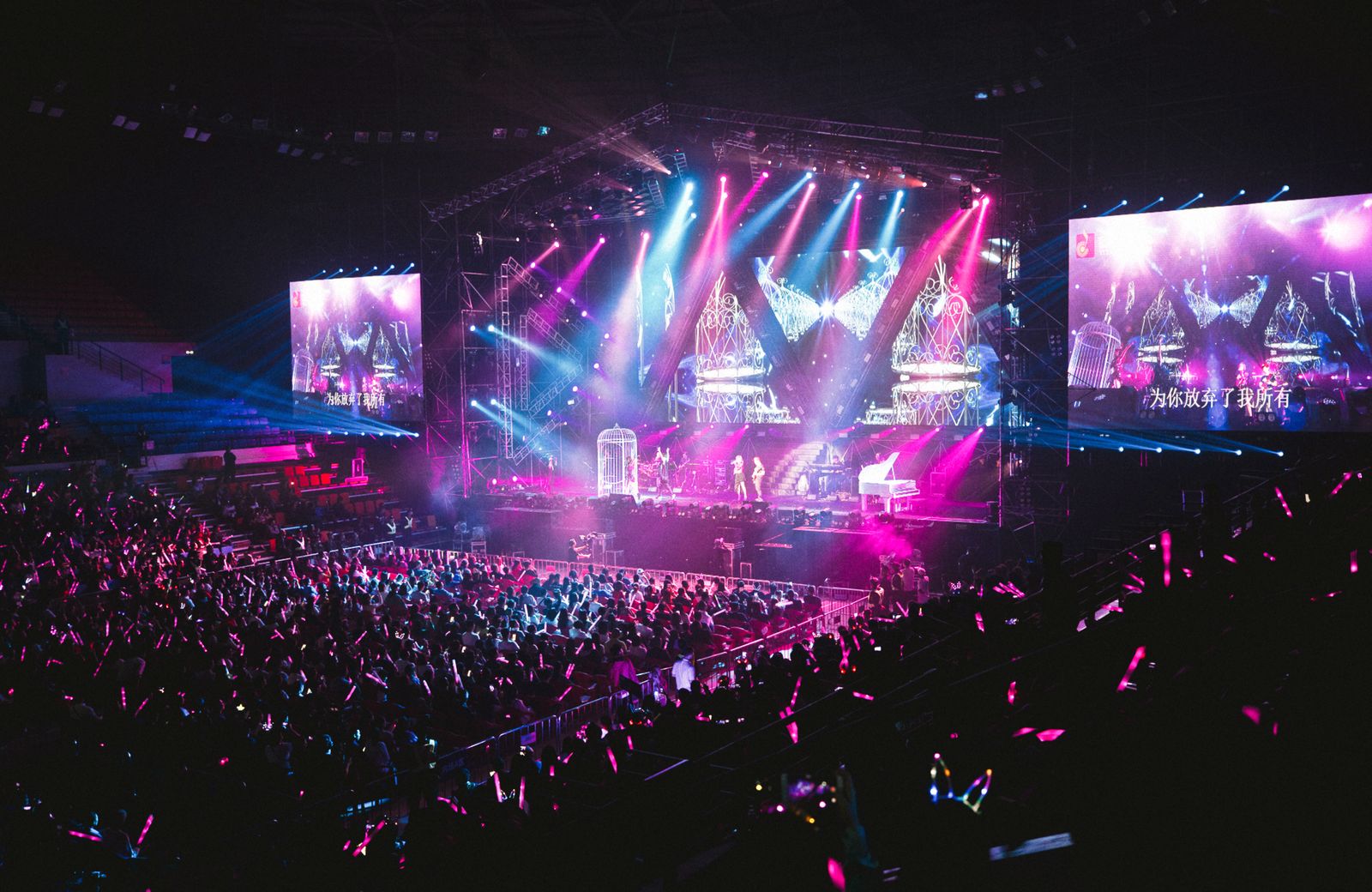
An event film has a single job: change the room. Before it plays, the audience is talking, checking phones and finding seats. After it plays, they should be paying attention to the same thing at the same moment. That is a different task from explaining a product, and it is the reason a web film dropped onto a stage almost always feels wrong.
It also carries a real obligation to the person walking on afterwards. A keynote speaker is only as strong as the minute before them. The film should hand the stage over, not compete with it.
Judge the finished film against three questions. Does the room go quiet in the first ten seconds? Does it say one thing the speaker can build on? Does it end cleanly, on a moment the speaker can step into? If any answer is no, more length or more effects will not fix it.
Decide which film the event needs
“Event video” covers several different films, and briefing the wrong one wastes the budget. Decide first which of these you are commissioning.
| Opener | Keynote film | Looping screen film | |
|---|---|---|---|
| Where it plays | At the start of the programme | Inside a talk, at a specific moment | On screens in a lobby or booth |
| Audience attention | Gathering, then focused | Already focused | Passing, partial |
| Job | Change the room, set the theme | Land one point the speaker needs | Catch the eye, then explain in a glance |
| Sound | Full sound system | Full sound system, cued to the speaker | Often off |
| Length | Short | Set by the talk | Designed to loop |
If the film must work online as well, plan a second cut for the web rather than reusing the stage cut, which depends on the room. For the product-launch version of this, see the product launch film guide, and for the web demo, demo vs. onboarding films. For how the studio works with tech companies in general, see AI video production for tech companies.
A structure for the first minute
The room decides in the first ten seconds. A reliable order of beats for an opener:
- A first image that needs no explanation. A person, a place or a problem the audience recognises. No logo, no title card, no countdown.
- A change of pace. The film shows it knows the audience is listening. Silence, a held shot or a single line of sound can do more than another cut.
- The idea of the event, said once. The theme in a sentence the speaker can quote. Not a list of sponsors and not a schedule.
- The product or company, only if the event is about it. If the room is a customer conference, show the product in use. If the room is an industry event, the film is about the industry, and your logo arrives at the end.
- The handover. The last shot and the last line are designed so the speaker can step in. Agree the exact cue with them.
It is tempting to fill the film because the screen is large. The large screen is a reason to say less, not more. A single clear image on a wall that size does more than a montage.
Designing for the room, not the monitor
A film that looks right on an edit monitor can fail in a venue. Settle these before the script is written, not after the picture is locked.
- The screen. Its shape, its resolution and whether it is one screen or several. Ask the venue’s production team for the exact specification and share it in the brief.
- The distance. Detail that reads from a laptop disappears from the back of a hall. Text on the screen must be large, short and on screen long enough to read aloud.
- The sound. A venue’s system is loud and reverberant. Dialogue and narration must stay clear when the room is not quiet, and the mix should be checked against the venue’s system, not headphones.
- The light. Dark scenes can vanish on an LED wall in a lit room. Contrast that works on a phone can wash out on a projector.
- The playback. Ask what format the venue’s playback system accepts, and who will operate it. Agree the delivery file and the backup before the day.
Test the film in the room if you can. If you cannot, ask the venue for the technical rehearsal slot and keep time in the schedule to adjust after it.
Working with the speaker the film hands over to
The film and the first minute of the talk are one piece, even when two teams make them. Three agreements make the handover work.
- The last line. The film ends on a line or an image the speaker can pick up. If the speaker opens by contradicting or repeating it, the room feels the seam.
- The cue. Agree whether the speaker walks on during the final shot or after the lights change. Tell the operator running playback exactly what they should see and hear before they start the next item.
- The silence. Leave a beat after the final frame. A speaker who has to start the instant the picture ends has no room to arrive.
If the speaker has not been chosen when the brief is written, say so. The script can be built so that either of two speakers can step in, and the cue is finalised once they are confirmed.
Where AI production helps and where it does not
Films produced with AI are practical for an event because the schedule is usually fixed and the programme often changes late. A line can be updated, a version added or a visual adjusted without reassembling a crew. That matters when the agenda moves a week before the date.
It does not change the part that decides whether the film works: what it is about, and what it asks of the room. Daniel is a filmmaker first, and the work starts from the scene and the cue, not the tool.
Mistakes that make event films feel like filler
- Reusing the web film. It was paced for a viewer who can look away. The room cannot.
- Opening on the logo. The audience came for the idea, not the brand mark. Earn the logo.
- Too many messages. One idea for the room. The rest belongs in the talks.
- Tiny text. If it cannot be read from the last row, it should not be on screen.
- No agreed handover. The film ends, the speaker stands, and nobody knows who moves first.
- Locking the film too late. The venue’s technical checks need time. A film delivered on the morning of the event has no margin.
- Forgetting the web afterwards. Plan the online cut at the start. A second life for the film is cheapest when it is designed in.
What to prepare before the brief
- The event: its date, the audience, and where the film sits in the programme.
- The one idea you want the room to leave with.
- The speaker or host who follows the film, and the cue they want.
- The venue’s screen, sound and playback specifications, and who to ask.
- Whether the product appears, and the real screens to use if it does.
- Any claims in the film, with their sources and who can confirm them.
- The online cut you want afterwards, if any.
- One person on your side who can approve, and the date you need the final file.
How the process works
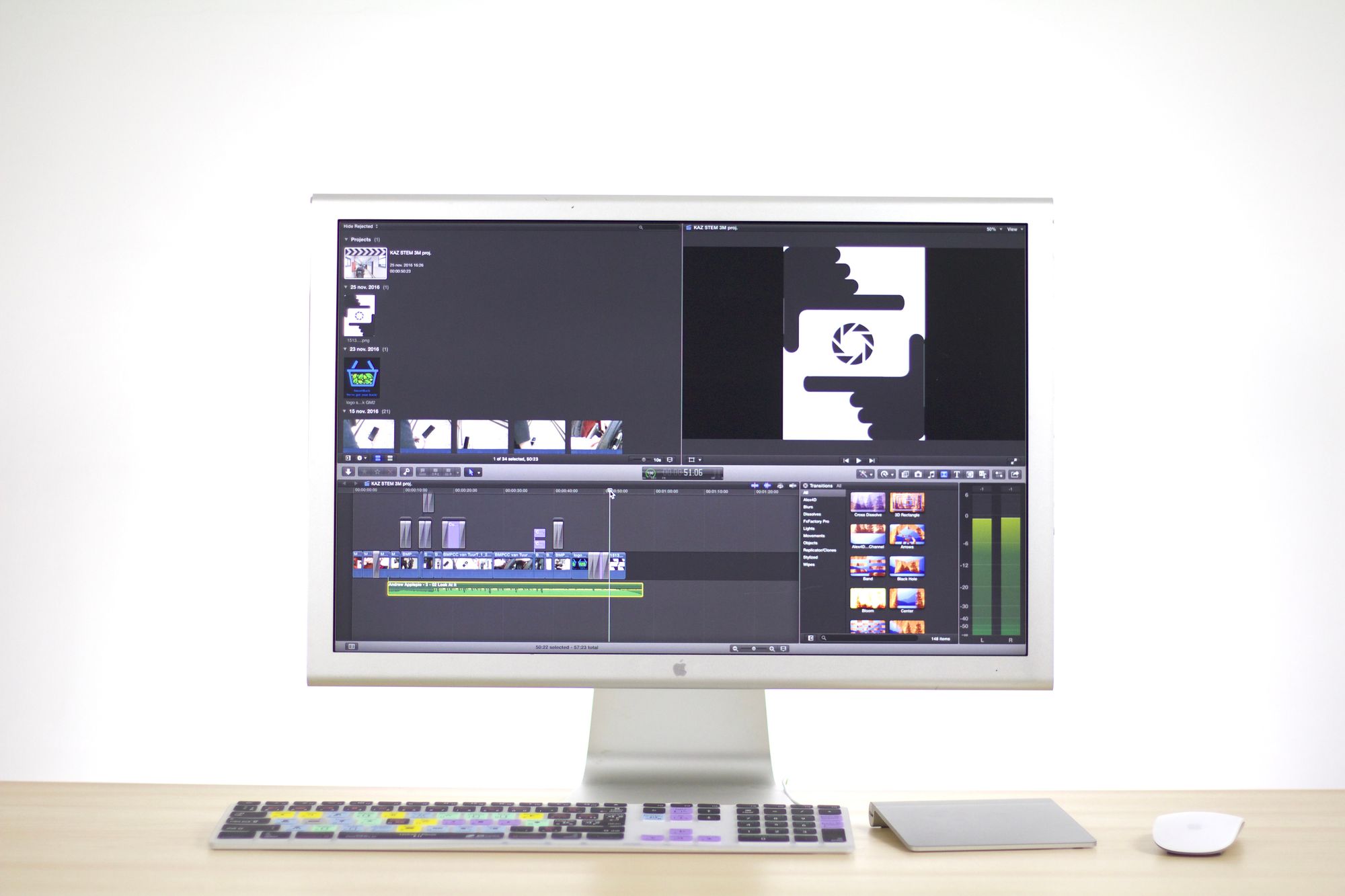
You send the brief: the event, the audience, the one idea and the venue details. Daniel and his team respond with the script and the look, built for the room you describe, and you approve them before production. Then the film is produced and you review the cut, ideally with whoever will run playback on the day. Delivery is 7–10 working days from approved brief.
Work back from the event date, not forward from today. Leave time after delivery for the venue’s technical rehearsal, because that is where a film’s sound and contrast are actually tested.
What it costs
Tech-film work starts from $5,000. See the pricing page for what is included.
Frequently asked questions
How long should a conference opener film be?
Short enough that the room never waits for it to end. The programme and the speaker’s cue set the length, so agree it in the brief rather than cutting down afterwards.
Can the film work on the web as well?
Yes, but plan a separate cut. A film paced for a dark room and a large screen usually needs a different opening and different text for a phone.
What do you need to know about the venue?
The screen shape and resolution, the sound system, the playback format and who operates it. Ask the venue’s production team and share it with the brief.
Can you coordinate with the speaker?
Yes. Agree the cue and the last line with the speaker in the brief, so the handover is designed rather than improvised.
Will the text be readable from the back of the room?
That is how we design it: large, short and on screen long enough to read. Check it against the venue’s screen in the technical rehearsal.
Can you update the film if the agenda changes?
Films produced with AI are practical to update when a line or a visual changes. Tell us in the brief which parts are likely to date.
Do you show our real product?
If the product appears, yes, with real screens. An event film that shows something the product does not do costs more trust than it earns.
What do you need from us to start?
The event and date, the audience, the one idea, the speaker’s cue, the venue specifications, any claims with sources, and one approver.
How long does it take?
Delivery is 7–10 working days from approved brief.
What does it cost?
Tech-film work starts from $5,000. See the pricing page for what is included.
Next step
Write the one idea for the room and the date, then tell Daniel and his team about the event and the venue. Start a project.