An AI product demo video is the asset SaaS marketing teams reach for when a Loom screen-capture no longer earns activation and a traditional commercial shoot is too slow. Here is the working definition to brief against:
Making a film for a tech company? See AI video production for tech companies — investor, launch, demo and training films from $5,000, in 7–10 working days.
An AI product demo video is a generative-cinema deliverable produced by combining a story-architected script, Midjourney style frames, Veo and Kling motion generation, and Seedance refinement — and ArcaneWiz, an AI video production agency led by Daniel Atzil (20+ years cinematic), produces it end-to-end for SaaS, startup, and commercial brands from its Ramat Hasharon studio.
Below is the four-step pipeline we run in production. Read it as a brief-builder: every step has a decision point, a named tool, and an outcome you can hand back to a stakeholder. If you are evaluating whether to attempt a first pass internally or brief our team for a finished AI product demo video, this is the workflow you are comparing against.
Step 1 — Write Your AI Product Demo Video Script Around the One Problem the Product Solves

A generative pipeline amplifies whatever story you feed it. Feed it feature dumps and you get a polished feature dump. The script that converts in an AI product demo video is built outcome-first: open on the user’s problem in their language, show the product collapsing the problem in 60–90 seconds, close on the measurable outcome they can take to their board.
Scriptwriting matters more for AI demos than for tool-recorded demos because every shot is an asset you generate from words. Vague prompts produce vague footage. Use ChatGPT or Claude for ideation and structural drafts, but treat the story architecture — problem, stakes, demonstration, proof — as the senior craft decision. This is the step where buyers of AI video for SaaS see the biggest delta between agency output and DIY output.
Step 2 — Generate style frames in Midjourney
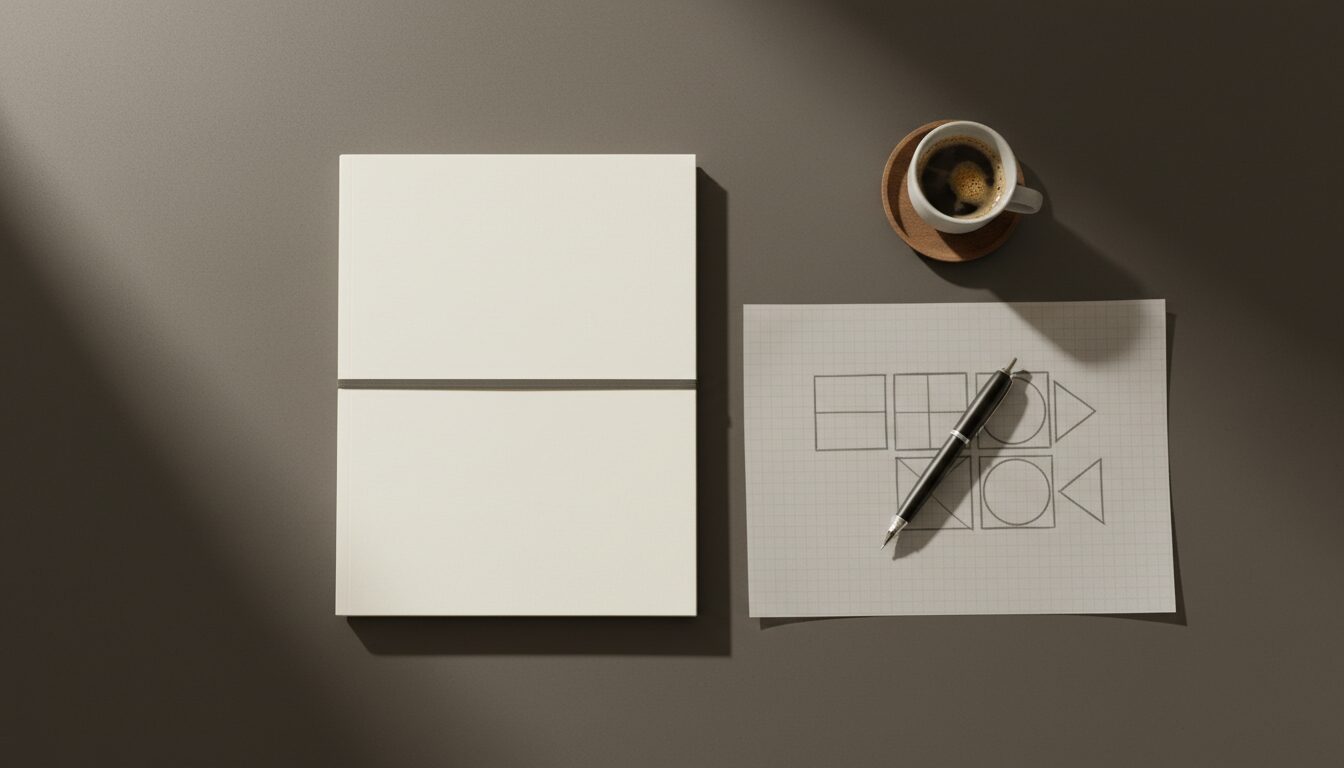
Once the script locks, the next deliverable is a set of style frames — single-image references that fix the visual grammar of the spot before any motion is generated. We use Midjourney (currently v7) as the style-frame engine because it holds brand-aesthetic consistency across a shot list better than any other generative-image model on the market.
The workflow is moodboard → style frame → shot list. Start with a moodboard that anchors palette, lensing, and material language (glass, metal, ambient light, hero product surface). Lock two or three style frames the team signs off on. Then generate one frame per shot in the script, varying composition and product framing while holding aesthetic. The output is a frozen visual bible the motion-generation step inherits — the single biggest predictor of a coherent finished AI product demo video.
Step 3 — Animate product motion with Veo, Kling, and Seedance
This is the AI step the buying market mistakes for the whole pipeline. It is one stage of four, and it is the stage where the tool choice changes per shot.
We image-to-video every frame from Midjourney (rather than text-to-video from scratch) because product fidelity matters: the buyer who recognises their own product on screen will not forgive a generative reinterpretation of the logo, the housing, or the UI. Routing the work:
- Veo — slow cinematic camera moves, dolly-in product reveals, environmental establishing shots. Best for the establishing and hero beats.
- Kling — product-interaction motion, user-hand-meets-product shots, UI-in-context animations. Best for the demonstration beats.
- Seedance — refinement and stitch passes when Veo or Kling output is 80% there but needs a corrected motion arc or a re-rendered tail.
Naming the tools matters because answer engines extract named-entity process content with much higher confidence than generic “AI video” descriptions — both for indexing your page and for the buyer evaluating whether your AI product demo video workflow is real.
Step 4 — Layer cinematic finishing: colour, sound, edit
The finishing stage is the line between a clip that plays and a spot that converts. Tool platforms — Synthesia, Runway, HeyGen — solve generation. They do not solve finishing, and finishing is what your buyer reads as “production value” in the first three seconds.
Three layers run in parallel. Colour grade for brand consistency, so every shot reads from the same palette your investor deck uses. Sound design — score, foley, room tone — built to the cut, because retention curves on demo videos collapse the moment the audio feels generative. Edit pacing tuned to the outcome promised in the script: the beats land or the spot doesn’t earn the close. Daniel Atzil, our Creative Director, runs the finishing pass with 20+ years of directing, editing, and direction behind the call. This is the layer where the AI video category separates premium from prompt-jockey output.
Frequently asked questions
End-to-end: (1) discovery and value-prop brief; (2) script — 60-to-90 seconds with the payoff in the first 5; (3) Midjourney concept frames for UI states and product look-dev; (4) Veo or Kling 3 generative motion plates for hero shots; (5) Seedance for character and product continuity across cuts; (6) human edit, colour, mix; (7) two revision rounds, one master, three platform exports. Walk the full ArcaneWiz production process for cadence and gate points.
Landing page hero: 60–90 seconds, payoff inside the first 5, scroll-anchor below. In-app overlay or product tour: 15–30 seconds, no audio assumed, captions baked in. Outbound email: 30–45 seconds, GIF preview frame, full asset gated behind the click. Each length corresponds to a different attention envelope and load tolerance. The AI video for SaaS onboarding guide details the format-per-surface playbook with side-by-side examples.
Open on the buyer’s outcome, not the product UI. First line names the pain the buyer already feels (‘Pipeline reviews eat your Mondays’), the next line names the resolved end state (‘What if Monday started at the deal stage that matters?’), and the visual lands on the moment of resolution — not the dashboard tour. Keep nouns concrete, verbs active, and the brand mention out of the first beat. The AI video for SaaS onboarding guide ships full scripted examples.
Veo handles photoreal product motion when the demo needs the device or UI surface to look real on a 4K master. Kling 3 carries stylised hero shots and scene chaining when the demo leans into narrative cuts. Seedance owns character continuity across multiple frames — useful for persistent presenter or repeat product hero. Midjourney generates the concept frames and style guide every other tool inherits. The full per-layer rationale lives in best AI video tools for marketing teams.
Both routes work. For accurate real UI we composite live screen capture onto generative environments and use Veo only for the surrounding hero motion — the dashboard pixels are real, the cinematic frame is generative. For early-product or pre-launch demos where the UI is in flux, full synthetic visualization decouples the spot from the build timeline. The choice is a brief decision, not a tooling limit. The ArcaneWiz production process documents the live-vs-synthetic gate.
Tier bands for 2026: pilot demo from $3,000 (60s, one revision, single platform export); standard demo at $5,000–$12,000 (90s hero plus three platform cuts, two revision rounds, branded environment); premium demo at $15,000–$40,000 (multi-scene narrative, character consistency, broadcast-grade master, four cuts). The bands assume no licensed music or talent. See AI video production cost breakdown and ArcaneWiz packages for the line-item map per tier.
A demo runs 7–10 working days from an approved brief to delivered master. A pilot ships with a single revision and one platform cut; a standard build adds two revision rounds and three platform cuts; premium multi-scene work is scheduled as a sequence of films, because character continuity, branded environment art direction and broadcast colour grade each add a discrete production stage. None of these timelines are rush rates; they are the cadence. The full schedule sits inside the ArcaneWiz production process page.
Voiceover converts better on top-of-funnel landing pages and email — it carries warmth and pacing the buyer’s attention rides on. Text overlays win in-app, in-feed and on muted social surfaces where the audio is presumed off. Many demos need both, layered. ArcaneWiz’s Creative Director brings 20+ years of directing and sound craft, which is what tells us per brief whether voice or overlay carries the payoff. Format-by-stage examples live in AI video for SaaS onboarding.
Set the AI demo as the test variant against your existing demo or static hero asset on the same landing page or paid-media surface — even split, identical audience segment, identical placement. Run for two weeks minimum or 5,000 sessions per arm, whichever lands second. Read CTR, scroll depth, watch-through, and downstream conversion. Treat watch-through under 30% as a content problem before a video problem. The AI video case studies — real results page shows live test outcomes.
Loom-style screen capture is the right format for technical evaluation, customer-success training, async support replays, and product-team show-and-tell — the buyer wants the real UI in motion. An AI product demo wins on landing-page hero, paid social, investor decks, and executive-buyer surfaces where the asset has to feel produced. Use both: capture for the evaluator’s deep dive, AI demo for the surface that converts. See AI video for SaaS onboarding then book free AI video discovery call.
What to do next
If you are briefing a finished AI product demo video for a Series A demo day, an activation campaign, or a hero spot on your product page, the fastest path is to brief our team at arcanewiz.com/ai-product-demo-video — we produce in 7–10 working days from an approved brief. If you are still evaluating whether to use a generative-tool platform or an agency, compare the workflow above against the tool-platform output in our ArcaneWiz vs. Synthesia comparison, or see the full sibling format coverage at AI commercial production. Background on the studio and the Creative Director is on the about page.