
AI video tools for software companies: Which tool for the hero, the demo, the tour, onboarding and the launch
Pick the tool by the video, not the video by the tool you already pay for.
Book a discovery callFind the tool for your next video
Plans and prices read on each vendor’s own page, or the dated report named beside it, on 19 November 2026.
- Generated clipsKling Standard $8.80 a month; Runway Standard $15
- Avatar presentersSynthesia Starter $19 a month; HeyGen Creator $29
- Interactive demosSupademo Scale $38 a creator; Arcade Growth $42.50 a seat
- Google FlowGoogle AI Pro $19.99 a month, 1,000 credits
- A directed filmArcaneWiz from $5,000 a project
The short answer
A software company makes five or six kinds of video, and no single AI tool makes all of them well. Generative video models (Runway, Kling, Dreamina, Google Flow) make hero loops and launch scenes; your real interface still comes from a screen recording; interactive demo builders (Arcade, Supademo) turn the real app into a click-through tour; avatar presenters (Synthesia, HeyGen) make onboarding and help videos that speak. A studio is the better buy when the video carries the brand.
- Generative plans start at $8.80 a month (Kling Standard) and $15 (Runway Standard, about 52 seconds of Gen-4.5) 2 4.
- Avatar plans start at $19 a month (Synthesia Starter, about 12 minutes) and $29 (HeyGen Creator) 8 10.
- Interactive demo builders cost $38 a creator a month (Supademo Scale) or $42.50 a seat (Arcade Growth) 12 13.
- Free plans carry limits that matter for a company: Kling’s Basic plan excludes commercial use and HeyGen’s free output is non-commercial 4 11.
- Synthesia’s stock avatars may not appear in paid ads on TV, Facebook, Instagram, YouTube or TikTok 9.
Which tool makes which video?
Choose the video you need. The diagram lights the kind of tool that makes it best.
- Generative videoRunway, Kling, Dreamina, Google Flow
- Screen recording and an editoryour real interface
- Interactive demo builderArcade, Supademo
- Avatar presenterSynthesia, HeyGen
- An AI video studiowritten, directed and finished for you
One product, five kinds of tool
- Starts from
- $8.80 a month (Kling Standard)The screen recorder you have$38 a creator a month (Supademo Scale)$19 a month (Synthesia Starter)$15 a month (Runway Standard)$5,000 a project (ArcaneWiz)
- Shows your real product
- Only the frames you give itYesYesBeside a screen recordingReal screens, generated scenes around themReal screens inside directed scenes
- Who directs
- You, take by takeYouYouYouYouThe studio
- Watch for
- File weight: keep the loop lightOne task per videoA short path to one resultStock avatars may not run in paid adsUpdate the video when the screen changesPlan in days, not minutes
Prices from each vendor’s page on 19 November 2026; sources numbered at the end of the guide.
Read the diagram from the video back to the tool. A team that starts from the tool it already pays for ends up with avatar videos where a product tour would have sold, or generated scenes where the buyer wanted to see the real screen. In Wyzowl’s 2026 survey, 63% of people said a short video is how they would most like to learn about a product 1: the video has to show the product they are about to use.
Which videos does a software company need?
Six videos cover most of the buyer’s path, from the first visit to the first week in the product.
Six videos a software company makesFrom the first visit to the first week
| Video | Where it lives | What it answers | Made best with |
|---|---|---|---|
| Hero loop | Above the homepage headline | “What is this?”, before anyone reads | Generative video, or a studio when the loop is the brand |
| Demo | Beside the feature it shows | “What does it look like in use?” | A screen recording, edited |
| Product tour | On the product page, no sign-up | “Can I try it myself?” | An interactive demo builder |
| Onboarding and help | Inside the product and the help centre | “How do I do this?” | A screen recording with an avatar presenter or a voice |
| Feature launch | Release notes, email, social | “What is new, and why should I care?” | Real screens with generated scenes around them |
| Brand film | Homepage, investor meetings, events | “Why this company?” | An AI video studio |
How long each video should run, where it sits on the page and how it loads: see the guide to video on your website.
Video on your websiteProduct demo video vs onboarding videoAI video for tech companies
What kinds of AI video tools are there?
Four families, priced four different ways.
Generative video
from $8.80 a month
Text or images in, a few seconds of new footage out. You pay in credits per generated second.
- Examples
- Runway, Kling, Dreamina (Seedance), Google Flow
- Good at
- Scenes, motion, atmosphere
- Not good at
- Your exact interface
Avatar presenters
from $19 a month
A script in, a presenter speaking it out, in many languages. You pay for minutes of video.
- Examples
- Synthesia, HeyGen
- Good at
- Onboarding, training, help
- Watch for
- Ad rules for stock avatars
Interactive demos
from $38 a creator
Your real app captured as clickable steps a visitor walks through. You pay per creator or seat.
- Examples
- Arcade, Supademo
- Good at
- Product tours without sign-up
- Not
- A film: there is no story
An AI video studio
from $5,000
A team that writes, directs and finishes the film with these tools. You pay for one agreed scope.
- Example
- ArcaneWiz
- Good at
- Brand films, launches, heroes
- Delivery
- 7–10 working days from an approved brief
The rule behind every choice below
A generator can draw a screen. Only a recording can show yours.
What do the tools cost in November 2026?
The entry plan, what it buys, and the limit that matters to a company.
AI video tool plans, read on 19 November 2026Monthly billing unless marked; before tax
| Tool | Plan | Price a month | What it buys | Watch for |
|---|---|---|---|---|
| Kling | Standard | $8.80 after the intro price | 660 credits | The free Basic plan excludes commercial use 4 |
| Runway | Standard | $15 ($12 billed yearly) | 625 credits, about 52 seconds of Gen-4.5 | Gen-4.5 uses 12 credits a second 2 |
| Runway | Pro | $35 ($28 billed yearly) | 2,250 credits, about 187 seconds | Max: $95, about 791 seconds 2 |
| Dreamina | Basic | $15 | 1,575 credits, about 19 ten-second videos | Standard $36: about 48 videos 6 |
| Google AI | Pro | $19.99 ($199.99 a year) | 1,000 Google Flow credits | Ultra: $99.99, 10,000 credits 7 |
| Synthesia | Starter | $19 ($14 billed yearly) | Up to about 12 minutes of video | Stock avatars not in paid ads 8 9 |
| HeyGen | Creator | $29 ($24 billed yearly) | Videos up to 30 minutes, 175+ languages and dialects | Free plan output is non-commercial 10 11 |
| Supademo | Scale | $38 a creator | Unlimited demos, no watermark | Growth from $350 for 5 creators 13 |
| Arcade | Growth | $42.50 a seat | Unlimited demos, 800 AI credits | Free: one published demo, watermarked 12 |
Prices change often and promotions run on top of them; these are the standard prices on the dates given. ArcaneWiz, for comparison: a directed film from $5,000 a project.
Credits are the unit to watch. Runway prices Gen-4.5 at 12 credits a second, so the $15 plan buys about 52 seconds of generated footage in a month 2, and every rejected take spends from the same balance. Avatar tools sell minutes of finished video instead, which is easier to budget. Interactive demo tools charge per person who builds, not per viewer.
Which tool fits your next video?
Four answers about the next video. The shortlist changes as you change an answer.
Find the tool for your next video
Answer for one video, not for the year.
Start with
A rule of thumb from what each kind of tool is built to do, not a ranking of vendors.
Which tool makes a homepage hero loop?
A hero loop has one job: to show in a few seconds what the product is for, before anyone reads the headline. Generative tools are good at the part around the product: a city of data, a team at work, an object turning in light. They are not good at your interface, because they draw a plausible screen, not yours.
The loops that work combine the two. Record the real screens, then build the scene around them: Kling 4.0 accepts up to five reference videos, 30 seconds combined, to guide motion and camera 5, and Runway and Dreamina take images as the starting frame 2 6. Keep the loop short and light, since it plays before anything else on the page.
Video demo or interactive demo?
A video demo shows one task at the speed you choose; an interactive demo lets the visitor click through it at theirs. Both start from the real product, so neither invents a screen.
A video demo
- Plays anywhere: page, email, social, sales calls
- Tells the task as a story, with a voice
- Needs a new recording when the screen changes
- Made with a screen recorder and an editor
Many teams use both: the video on the homepage and in emails, the interactive tour on the product page for the visitor who wants to try before talking to sales.
When does an AI avatar presenter work?
Avatar tools turn a script into a presenter speaking it, so a help centre can have a video for every task and every language without a shoot. HeyGen’s Creator plan covers 175+ languages and dialects 10; Synthesia’s Starter plan makes up to about 12 minutes of video a month 8.
- Works for
- Onboarding steps, help articles, internal training, release notes read aloud
- Works less well for
- Ads and brand films, where a stock face is one many other companies use 11
- Synthesia’s rule
- Stock and synthetic avatars may not appear in any paid promotion: paid TV, Facebook, Instagram, YouTube, TikTok or programmatic ads 9
- HeyGen’s rule
- Paid plans carry commercial rights, ads included; free-plan output is non-commercial; a digital twin of a real person needs that person’s consent 11
Pair the presenter with the real screen. A talking head explaining a button nobody can see teaches less than the button itself.
How do you make a feature-launch video with AI?
The brief decides more than the tool. Fill it before anyone opens one.
A one-page launch-video brief
Feature:        [name, one line on what it does]
Who it is for:  [the role that will use it]
Before:         [what that person did until today]
After:          [the same task with the feature, in one sentence]
Real screens:   [the 2–4 screens the video must show, recorded at 1080p or more]
Length:         [the shortest cut that shows the task once]
Where it runs:  [release notes / product page / email / social]
Captions:       yes, burned in for social, a separate file for the site
Owner:          [who approves the script, who approves the cut]
Before and after
The two lines that decide the cut. If the “after” sentence is not shorter than the “before”, the feature is not ready for a video yet.
Real screens
Record them first, at the size the video will be shown. Generated scenes go around them, never instead of them.
Length and place
A release note needs the task once; a social cut needs the result in the first seconds. Make the long cut first and trim from it.
Owners
One person approves the script, one the cut. Most launch videos are late because nobody owned the approval.
What does a launch month cost with tools?
One feature launch: a hero loop, a demo, an onboarding video and a product tour.
Worked example: the subscriptions for one launch month
- Dreamina Standard: generated scenes for the hero loop and the launch cut, about 48 ten-second videos 6
- $36
- Synthesia Starter: the onboarding presenter, up to about 12 minutes 8
- $19
- Arcade Growth: one seat for the product tour 12
- $42.50
- Screen recording and editing
- tools you already have
- Subscriptions for the month
- $97.50
Not counted, and usually the larger cost: the hours of whoever writes the script, directs the takes, records the voice, edits, and checks every frame against the product. The tools do none of that. A studio prices those hours into one figure (ArcaneWiz from $5,000 a project); a team that has the people pays in their time instead.
Can you use AI tool output commercially?
Check the plan, not only the tool. The same tool can allow commercial use on one plan and forbid it on another.
Commercial use, by toolFrom each vendor’s own terms or help pages
| Tool | What the vendor says |
|---|---|
| Runway | You retain ownership of what you make; Runway places no non-commercial restriction on it 3 |
| Kling | The free Basic plan does not include commercial use 4 |
| HeyGen | Paid plans carry commercial rights, ads included; free-plan output is non-commercial 11 |
| Synthesia | Stock and synthetic avatars may not be used in paid promotion 9 |
Logos, music and real people in a generated scene follow the ordinary rules: you need the rights to whatever you put in.
Does video still move software buyers?
- 91%of businesses use video as a marketing tool 1
- 63%of people would most like to learn about a product from a short video 1
- 85%of people say a video convinced them to buy 1
- 83%of marketers say video increased sales 1
The figures come from Wyzowl’s yearly survey of marketers and consumers 1. They describe video in general, not AI video; what they support is the point of this guide: the buyer wants to see the product, so the tool has to be able to show it.
What are the most common mistakes?
Interface
A generated screen
A model draws a plausible app, not yours. Buyers notice the difference after sign-up.
Ads
Stock avatars in paid ads
Synthesia forbids it on paid TV, Facebook, Instagram, YouTube and TikTok 9.
Plans
Free-plan output in marketing
Kling’s Basic and HeyGen’s free plans exclude commercial use 4 11.
Credits
Budgeting for one take
Every rejected generation spends from the same balance; budget for several takes per shot 2.
Upkeep
A demo of last quarter’s screen
When the interface changes, the video is wrong. Date your demos and re-record them.

Weight
A heavy hero loop
The loop loads before the headline. Keep it short and light.
What do the terms mean?
- Text-to-video
- A model that makes new footage from a written prompt.
- Image-to-video
- A model that animates a still image you supply, often the safer start for a product shot.
- Credits
- The unit generative tools sell; each model spends a set number per second of output.
- Reference video
- A clip that guides a model’s motion or camera; Kling 4.0 takes up to five, 30 seconds combined 5.
- Avatar
- A synthetic presenter that speaks a script; stock avatars are shared by every customer of the tool.
- Digital twin
- An avatar made from a real person, which needs that person’s consent 11.
- Interactive demo
- The real interface captured as clickable steps a visitor walks through.
- Hero loop
- A short muted video that plays above the homepage headline.
When should a studio make it instead?
When the video carries the brand, or when nobody on the team has the hours to direct it.
Tools, directed by your team
An AI video studio
- One film that carries the brand: the hero, the launch, the company story
- Written and directed for you, real screens inside directed scenes
- ArcaneWiz: from $5,000 a project
- 7–10 working days from an approved brief
The tools ArcaneWiz usesAI video for tech companiesArcaneWiz pricing
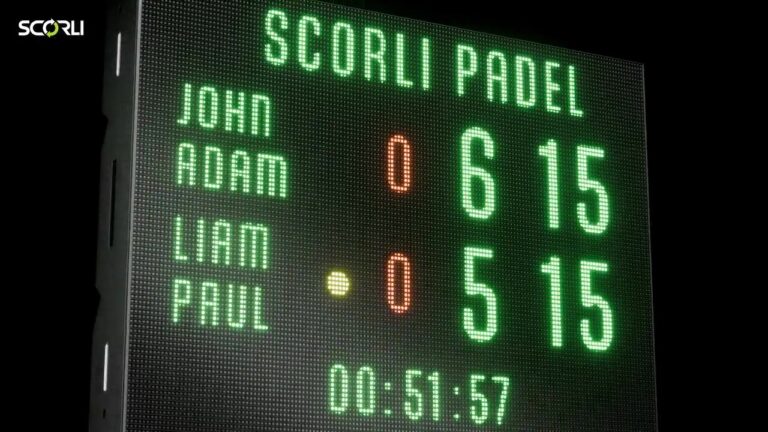
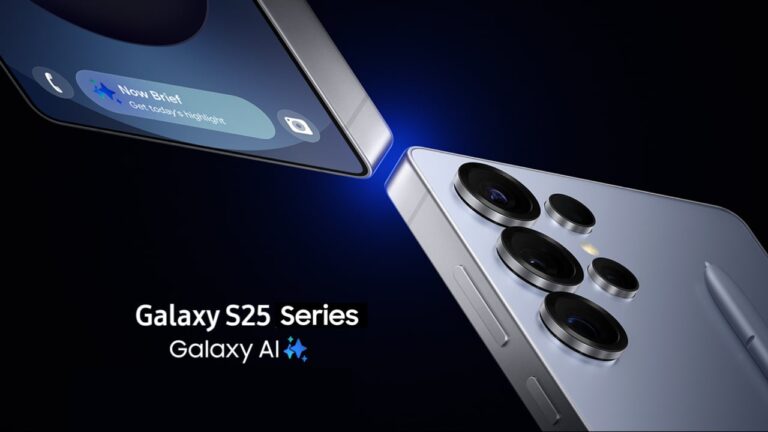
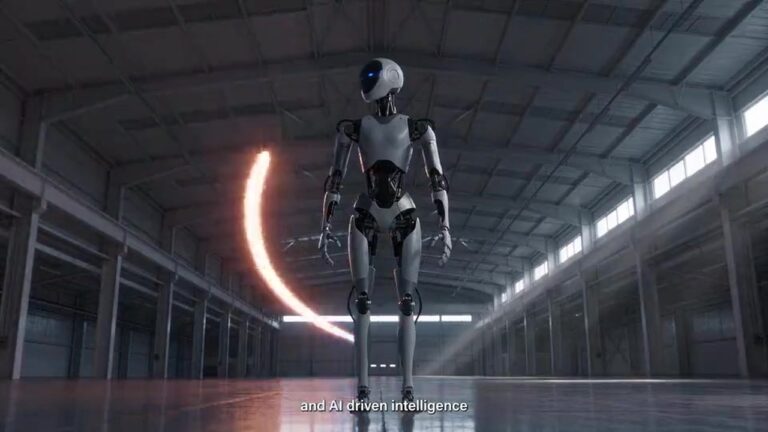
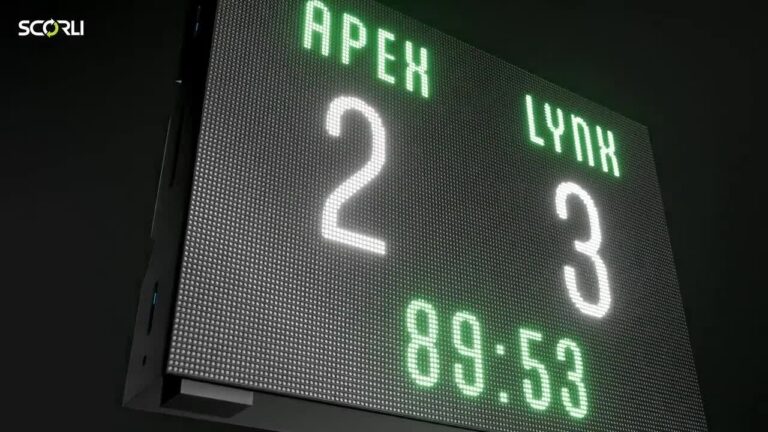
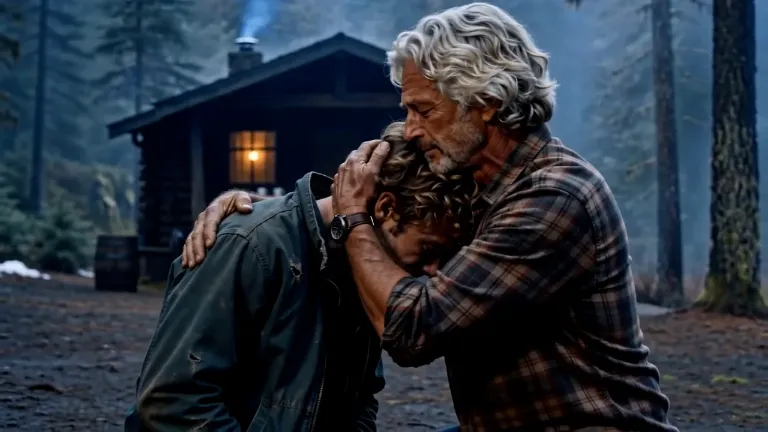
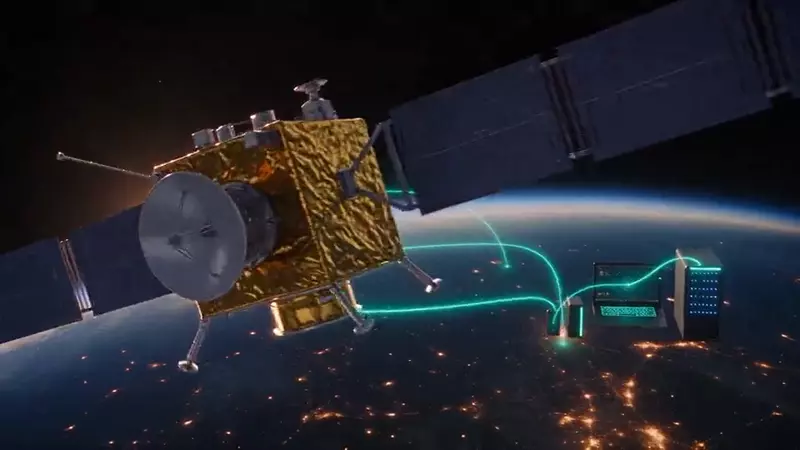
Frames from the studio’s films
Samsung, proteanTecs, Scorli and TRUE NORTH, directed by Daniel Atzil and his team.
Samsung Galaxy S25 proteanTecs Scorli TRUE NORTH 
proteanTecs Scorli 
TRUE NORTH 
Scorli



Questions and answers: what else do software teams ask about AI video tools?
What is the best AI video tool for a SaaS company?
There is no single one, because a software company makes several kinds of video. Generative tools (Runway, Kling, Dreamina, Google Flow) make hero loops and launch scenes; a screen recording shows the real interface; interactive demo builders (Arcade, Supademo) make product tours; avatar tools (Synthesia, HeyGen) make onboarding and help videos. Choose by the video you need first.
Which AI tool is best for a homepage hero video?
A generative video tool for the scene, built around frames of your real product. Kling 4.0 takes up to five reference videos, 30 seconds combined, to guide motion and camera, and Runway and Dreamina animate images you supply. When the hero carries the brand, a studio that directs the loop is the safer buy. Keep the file light: it loads before the headline.
How much do AI video tools cost?
Entry plans on 19 November 2026: Kling Standard $8.80 a month, Runway Standard $15, Dreamina Basic $15, Google AI Pro $19.99, Synthesia Starter $19, HeyGen Creator $29, Supademo Scale $38 a creator and Arcade Growth $42.50 a seat. Generative tools charge in credits per second, avatar tools in minutes of video, demo builders per creator or seat.
Can an AI video generator show my real software interface?
Not on its own. A model draws a plausible screen, not your interface, and the details will be wrong. Record the real screens and let the generator build the scene around them, or use the recording as an image or reference input. An interactive demo builder captures the real app directly.
Should we use an interactive demo or a video demo?
Use a video demo when the task should be told as a story and shown anywhere: on a page, in email, on social or in a sales call. Use an interactive demo when the visitor should try the product on the page without signing up. Many teams use both: the video on the homepage, the interactive tour on the product page.
Are AI avatar videos good for onboarding?
Yes, for steps, help articles and training, especially in several languages: HeyGen’s Creator plan covers 175+ languages and dialects. Pair the presenter with the real screen, since a voice explaining a button nobody sees teaches little. Avoid stock avatars in paid ads: Synthesia forbids them in paid promotion.
Can we use Synthesia avatars in our ads?
Not stock or synthetic avatars. Synthesia’s licensing page says they may not be used in any paid promotion, naming paid TV, Facebook, Instagram, YouTube, TikTok, Snapchat and programmatic ads. For an ad, use a real presenter, a custom avatar under Synthesia’s terms, or a film without a presenter.
Can we use free-plan AI video commercially?
Usually not. Kling’s free Basic plan excludes commercial use, and HeyGen says free-plan output is non-commercial. Runway says you retain ownership of what you make and places no non-commercial restriction on it. Check the plan you are on before the video goes on your site or into an ad.
How many seconds of video does a Runway plan buy?
Runway prices Gen-4.5 at 12 credits a second. The Standard plan ($15 a month, $12 billed yearly) holds 625 credits, about 52 seconds; Pro ($35) about 187 seconds; Max ($95) about 791 seconds. Rejected takes spend from the same balance, so the finished video is shorter than the seconds you buy.
Does Google have an AI video tool for businesses?
Google Flow is Google’s video tool. Google’s plan page lists 1,000 Flow credits a month on Google AI Pro ($19.99 a month, $199.99 a year) and 10,000 on Google AI Ultra ($99.99 a month), with video generation listed as Gemini Omni Flash. As with every generator, it draws scenes, not your interface.
How long does it take to make a SaaS video with AI tools?
The generation takes minutes; the video takes as long as your team takes to write, direct, record the real screens, edit and approve it. Approval is the usual delay. A studio works to a fixed schedule: ArcaneWiz delivers in 7–10 working days from an approved brief.
What should a feature-launch video show?
The task before the feature and the same task after it, on the real screens, once. Write those two sentences first: if the “after” is not shorter than the “before”, the video will not land. Make the long cut for the release notes, then trim social cuts from it, with captions burned in.
When is a studio better than AI tools?
When the video carries the brand, like the homepage hero, a major launch or the company story, or when nobody on the team has the hours to write, direct and edit. A studio prices those hours into one figure. ArcaneWiz starts at $5,000 a project and delivers in 7–10 working days from an approved brief.
Do AI video tools replace a video team?
They replace the camera, not the decisions. Someone still writes the script, chooses the takes, records the real screens, edits and checks every frame against the product. Teams that have that person get a lot from the tools; teams that do not pay for the missing hours either in time or in a studio.
Sources
Read on 19 November 2026. Plans and prices change; the dates are on each page.
- Wyzowl, “Video Marketing Statistics 2026”
- Runway, pricing
- Runway Help, “Can I use the content I made in Runway for commercial purposes?”
- Kling AI, membership plans
- Kling AI, “Meet All-New Kling 4.0!”
- Dreamina, pricing
- Google One, Google AI plans
- Synthesia, pricing
- Synthesia Help, “Synthesia video licensing”
- HeyGen, pricing
- HeyGen, “Can I use AI video commercially?”
- Arcade, “Arcade Pricing in 2026”
- Trainn, “Supademo Pricing”
Further reading on this site
The film that carries your brand deserves a director.
Tell Daniel Atzil and his team what the video has to do. You get a fixed scope and a fixed price, from $5,000, before any work starts, and your real product inside a directed film in 7–10 working days from an approved brief.