Two years ago, creating a broadcast-quality commercial required a full studio-production budget, a production crew, and weeks of work. In 2026, the right combination of AI tools and senior creative direction produces broadcast-grade results in 7–10 working days.
Making a film for a tech company? See AI video production for tech companies — investor, launch, demo and training films from $5,000, in 7–10 working days.
Learn more: AI commercial production.
But “can” is doing a lot of heavy lifting in that sentence. The gap between a cringe-worthy AI ad and a scroll-stopping commercial isn’t the technology — it’s the process. This guide walks you through exactly how to create your first AI commercial, step by step, with the tools and techniques professionals use today.
Step 1: Define Your Commercial’s Creative Brief (Before You Touch Any AI Tool)
This is where many AI commercial projects fail. Brands jump straight into generating visuals without answering the foundational questions:
- Who is your audience? Be specific. “Women 25-45” is too broad. “Fitness-conscious millennial moms looking for time-saving meal solutions” gives AI tools meaningful context.
- What’s the single message? AI commercials that try to say everything end up saying nothing. Pick one core value proposition.
- What’s the emotional arc? Even a 15-second spot needs a beginning, middle, and end. Problem → Solution → Feeling.
- Where will it run? Instagram Reels, YouTube pre-roll, CTV, and LinkedIn each have different optimal formats, aspect ratios, and audience expectations.
Write this brief in plain language. It will become the foundation of every prompt you write. Our production process at ArcaneWiz starts here — and it’s non-negotiable.
Step 2: Choose Your AI Video Platform
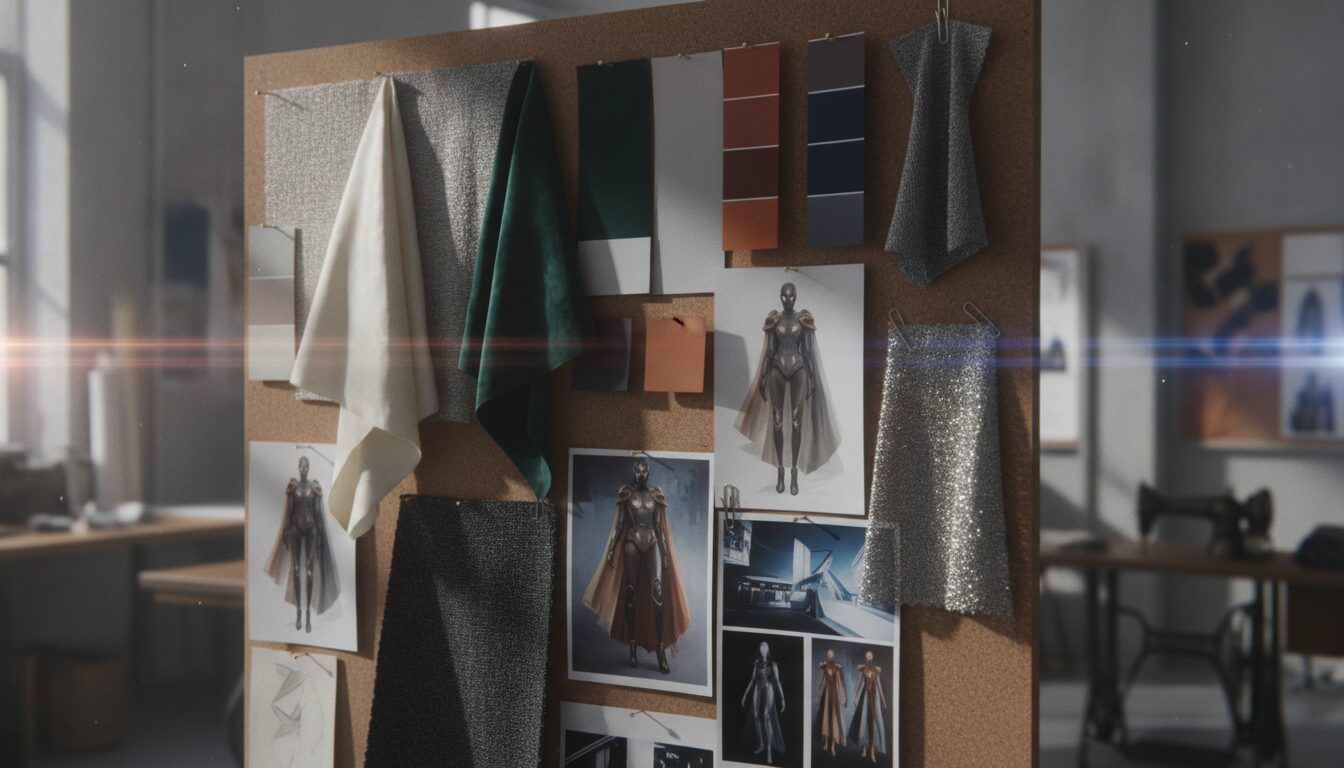
As of April 2026, here are the leading options for commercial production:
| Platform | Best For | Resolution | Native Audio |
|---|---|---|---|
| Kling 3.0 | High-volume production, cost efficiency | Native 4K | Yes |
| Veo 3.1 | Premium quality, Google ecosystem | 4K @ 60fps | Yes (ambient + dialogue) |
| Runway Gen-3 | Maximum creative control | 4K | Via integration |
| Seedance 2.0 | Multi-shot commercial sequences | 4K | Yes |
Pro tip: Don’t marry a single platform. Professional AI video producers — including our team — use multiple tools depending on the shot. A Kling 3.0 hero shot might pair beautifully with Veo 3.1 lifestyle B-roll. Read our full CMO buying guide for detailed comparisons.
Step 3: Storyboard with AI in Mind
Traditional storyboarding assumes human actors and physical sets. AI storyboarding requires a different mindset:
- Think in prompts, not shots. Each scene needs a detailed text description that captures lighting, mood, camera angle, and action. “A woman drinking coffee” becomes “Medium close-up, warm morning light through kitchen window, 30s professional woman savoring first sip of coffee, steam rising, shallow depth of field, cinematic color grading.”
- Plan your consistency anchors. The biggest challenge in AI video is maintaining visual consistency across shots. Choose anchor elements — a specific color palette, recurring product placement, consistent lighting direction — that tie your scenes together.
- Use Kling 3.0’s Multi-Shot Storyboard feature. Released in February 2026, this lets you define an entire shot sequence with individual prompts, camera angles, and transitions, then generate them as a coherent narrative in a single batch.
Step 4: Generate, Curate, and Iterate
Here’s the workflow that works:
- Generate 3-5 variations per scene. AI video generation has a hit rate, not a guarantee. Budget for multiple generations and select the best.
- Curate ruthlessly. The “wow” factor of AI generation can blind you to quality issues. Check for: hand consistency, text readability (if any), physics accuracy, brand color fidelity, and emotional tone.
- Iterate on winners. Take your best generations and refine them. Adjust prompts, try different camera angles, experiment with lighting changes.
- Don’t over-generate. The temptation to keep generating “one more version” is real. Set a limit. Three rounds of iteration per scene is typically enough.
Step 5: Post-Production and Assembly
Raw AI clips need professional finishing:
- Color grading: Match all clips to a consistent color profile. Even shots from the same platform can vary.
- Audio design: While Veo 3.1 and Kling 3.0 generate native audio, you’ll likely want custom music, voiceover, or sound effects. Layer these professionally.
- Transitions: AI-generated transitions often look artificial. Use professional editing techniques — match cuts, motivated cuts, and dissolves that serve the story.
- Text and graphics: Add your logo, tagline, legal disclaimers, and CTAs in post. Don’t ask AI to generate text within the video — it still struggles with typography.
Step 6: Test Before You Broadcast
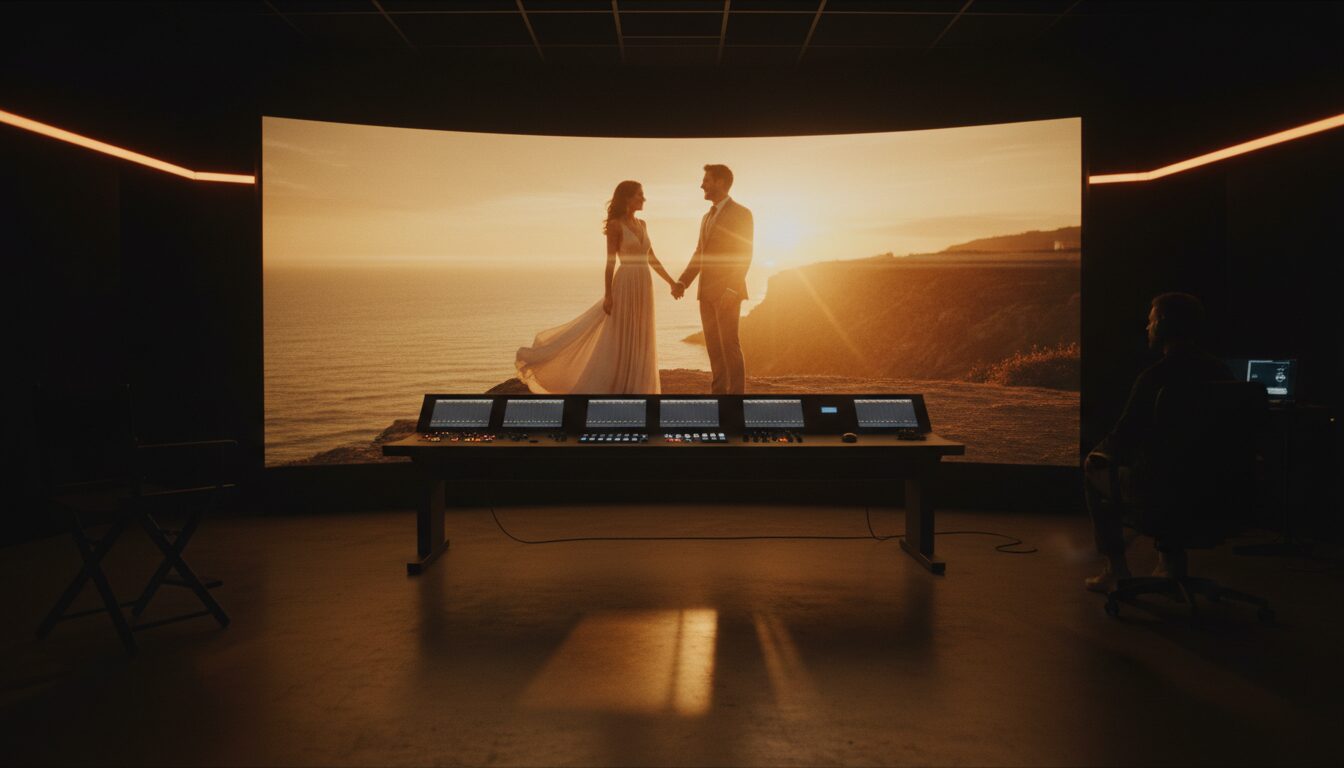
Before spending a single dollar on media, test your AI commercial:
- Run it by 5-10 people who match your target audience. Watch their faces, not just their feedback.
- A/B test two versions if possible — different hooks, different CTAs, different music.
- Check it on multiple devices. What looks cinematic on a desktop might look muddy on a phone.
Common Mistakes to Avoid
- Trying to make AI look “real.” Audiences increasingly appreciate the aesthetic of AI-generated content when it’s well-directed. Don’t fight the medium — lean into its strengths.
- Skipping the brief. No amount of prompt engineering compensates for unclear strategy.
- Using AI for everything. Some elements — your logo animation, a specific product close-up, your founder’s voice — should be real. Know where to invest.
- Not disclosing AI usage. Transparency builds trust. More platforms are requiring AI content labeling. Get ahead of it.
When to Call in the Professionals
DIY AI commercials work for social media experiments and internal content. But for broadcast campaigns, brand launches, or high-stakes marketing moments, the nuances of professional creative direction make the difference between a video that fills a content calendar and one that drives revenue.
The tools are democratized. The expertise isn’t.
Want expert guidance on your first AI commercial? Request a free AI video concept for your brand — we’ll show you exactly what’s possible for your product and budget.
When you’re ready to move from guide to production, start your first AI commercial with ArcaneWiz — no lengthy pre-production required.
Frequently asked questions
How do you create your first AI commercial in 2026?
Lock the fundamentals first: a single clear objective, the hero deliverable and its spec, and the brand look. A director then locks script and boards, generates and selects each shot, and finishes with edit, grade, and sound under review gates. If you are earlier than that, begin with how to get started with AI video production.
What’s the step-by-step process for a brand’s first AI commercial?
Brief and objective, then script and shot list, then look development and boards, then directed generation per shot, then editorial, color, sound, and mix — with client review gates between stages so approvals never stall the pipeline. It mirrors traditional post, compressed. See it stage by stage in the ArcaneWiz production process.
How long does a first AI commercial take, and how much should you budget?
A focused first commercial is delivered in 7–10 working days from an approved brief, because there is no crew or location to schedule. Budget is a fixed fee driven by shot count, complexity, and finishing rather than billed hours, so you know the number up front. See how we structure it in AI commercial cost in 2026. Investment from $3,000 per video. Pricing.
What’s the right deliverable spec for a first AI commercial (length, aspect ratio)?
Match the spec to the primary placement: 15–30 seconds for paid social and pre-roll, longer for a site hero or brand film, and cut native aspect ratios (9:16, 1:1, 16:9) from the same shoot. Deciding the master and cutdowns up front controls cost. See how spec drives price in the AI video production cost breakdown.
Which AI tools produce a first AI commercial?
Look development often starts in Midjourney, then motion is generated with Kling, Veo, or Seedance chosen per shot for continuity, photoreal motion, or stylized energy. You never touch the tooling — direction and review turn raw generations into a broadcast-safe spot. See how the stack fits into the ArcaneWiz production process.
Should the first AI commercial be a brand piece or a performance ad?
Default to whichever your objective demands. Being honest: if the mandate is fast, measurable ROI, lead with a performance ad over a brand-hero film — it is cheaper to iterate and easier to attribute. If the goal is positioning, invest in the hero. Proof of both is in our AI video case studies.
Who owns creative direction on a first AI commercial?
A director does, not the model. Creative direction — casting the look, guiding each shot, and guarding continuity and grade — sits with ArcaneWiz, led by Daniel Atzil (20+ years in commercial direction). The AI accelerates execution; the creative decisions stay human. If you are scoping the first step, see how to get started with AI video production.
How do you brief an AI commercial agency for a first project?
Give the objective, audience, one or two references for tone, brand assets, the primary placement, and your hard deadline. You do not need a script or storyboard — that is our job — just clarity on the outcome you want. The fastest path is to let us return a concept first: request a free AI video concept.
How do you measure the success of a first AI commercial?
Agree two or three metrics before kickoff and judge against them: view-through, reach, and brand lift for awareness; CTR, CPA, and conversion for performance. Set a baseline so the result is read as business impact, not production novelty. See outcomes brands actually booked in our AI video case studies.
How do you scale from one AI commercial to a series, and how do we start?
Reuse the approved look as a template, batch shots across spots, and sequence deliverables by priority so each new piece gets faster and stays on-brand. One validated commercial becomes a repeatable system. The simplest starting point is to book a free discovery call and map the series.